
How to Order a Custom Size Stone Piece (Step by Step)
Order a custom size stone piece step by step: measure the finished size, open the builder, choose stone, finish and edge, enter your size in inches and review the price before checkout.

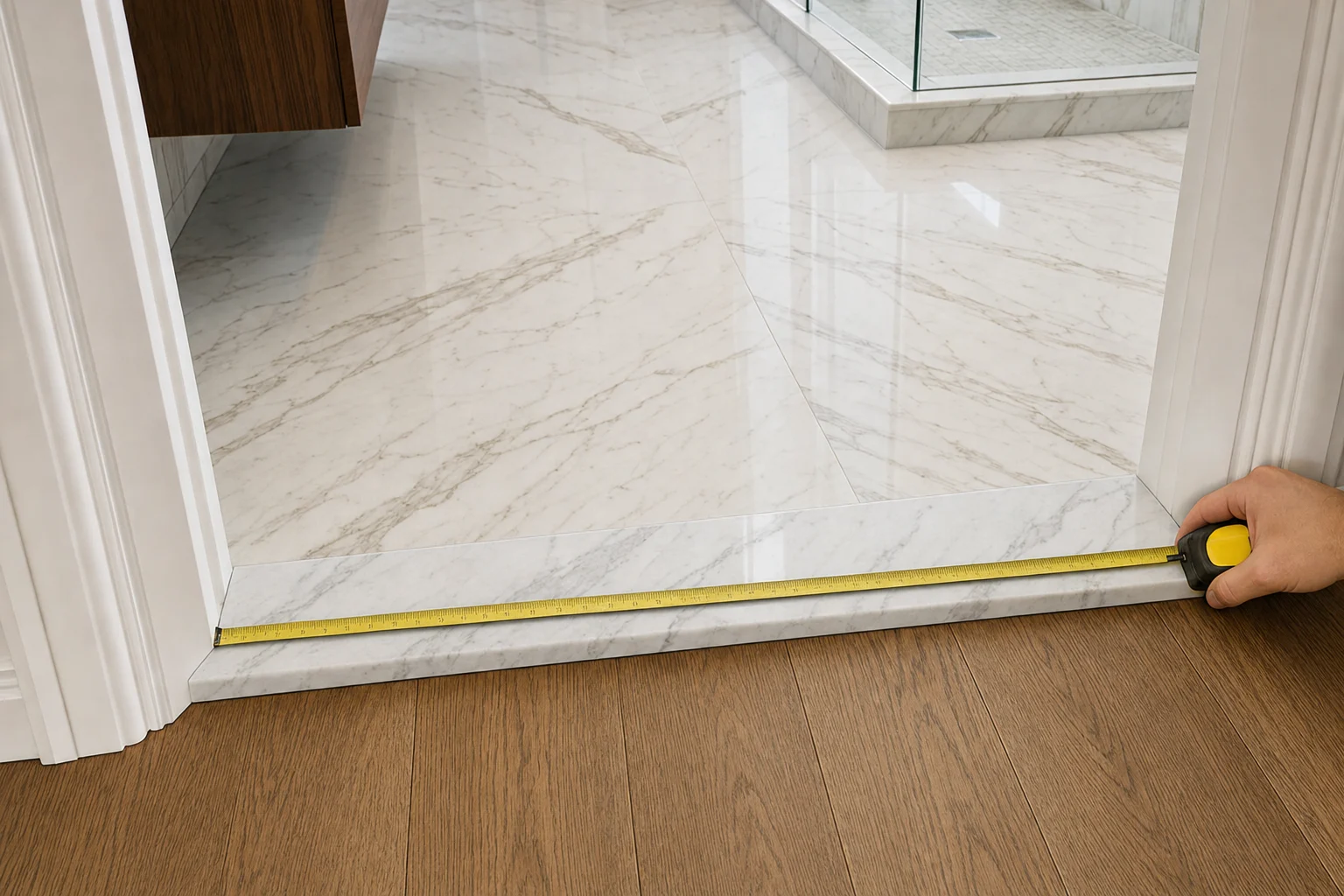
To order a custom size stone piece from Plato Surfaces, choose your stone, finish and edge, then type the finished width and length you need in inches. The price appears before you add the piece to your cart, and the stone arrives cut and finished to that size.
This guide walks through each step, from measuring to checkout, so your threshold, shower curb, window sill or shelf fits the first time.
What a Custom Size Stone Piece Is
A custom size stone piece is a standard catalog piece that we cut down and finish to the exact measurements you enter. You are not limited to the listed sizes. If your doorway needs a threshold that is 33 1/4 inches long, you can order 33 1/4 inches.
One rule matters: custom sizing makes a piece smaller, never larger. The size you enter must fit inside a piece that exists for the stone, finish and edge you chose. The builder checks this for you as you type.
Step 1: Measure the Finished Size You Need
Measure the space where the stone will sit, and write down the size of the stone itself, not the size of the door or the window.
- Use inches. Fractions are fine.
- Measure in two or three places. Walls and door frames are rarely perfectly square, so use the smallest number when the stone has to fit between two fixed surfaces.
- Ask your installer whether to leave a small gap for setting material or caulk, and take it off before you order.
- Check the names of the two dimensions on the page. Thresholds and shower curbs ask for width and length. Window sills ask for depth and width.
For a shower curb, our guide on how to measure for a shower curb top shows each measurement with a photo.
Step 2: Open the Builder for Your Product
Each product type has its own Build Your page. Pick the one that matches your project:
- Build Your Threshold
- Build Your Shower Curb
- Build Your Window Sill
- Build Your Vanity Backsplash
- Build Your Niche Shelf
- Build Your Shower Seat
- Build Your Wall Cap
Already looking at a product you like? You do not need to leave the page. Every product page has two tabs above the size options: Standard sizes and Customize. Click Customize and enter your size there.
Step 3: Choose Stone, Finish and Edge
The builder asks for three choices before the size.
- Stone. Pick a collection in marble, granite or quartz. Color and pattern vary from piece to piece in natural stone, so a sample helps if you are matching tile.
- Finish. Polished is reflective. Matte is soft and low sheen. The builder shows the finishes offered for the stone you picked. Our matte vs polished guide compares the two.
- Edge. An Eased Edge has a small bevel on the long edges. Thresholds also come with a One Side or Two Side Hollywood Edge, which slopes down to the floor. Some products offer a Bullnose edge as a paid option. The available edges depend on the stone and finish.
Thickness is shown under the edge. Most pieces are 3/4 inch thick, which is the market standard. See threshold thickness if you are not sure what your floor needs.
Step 4: Enter Your Final Size
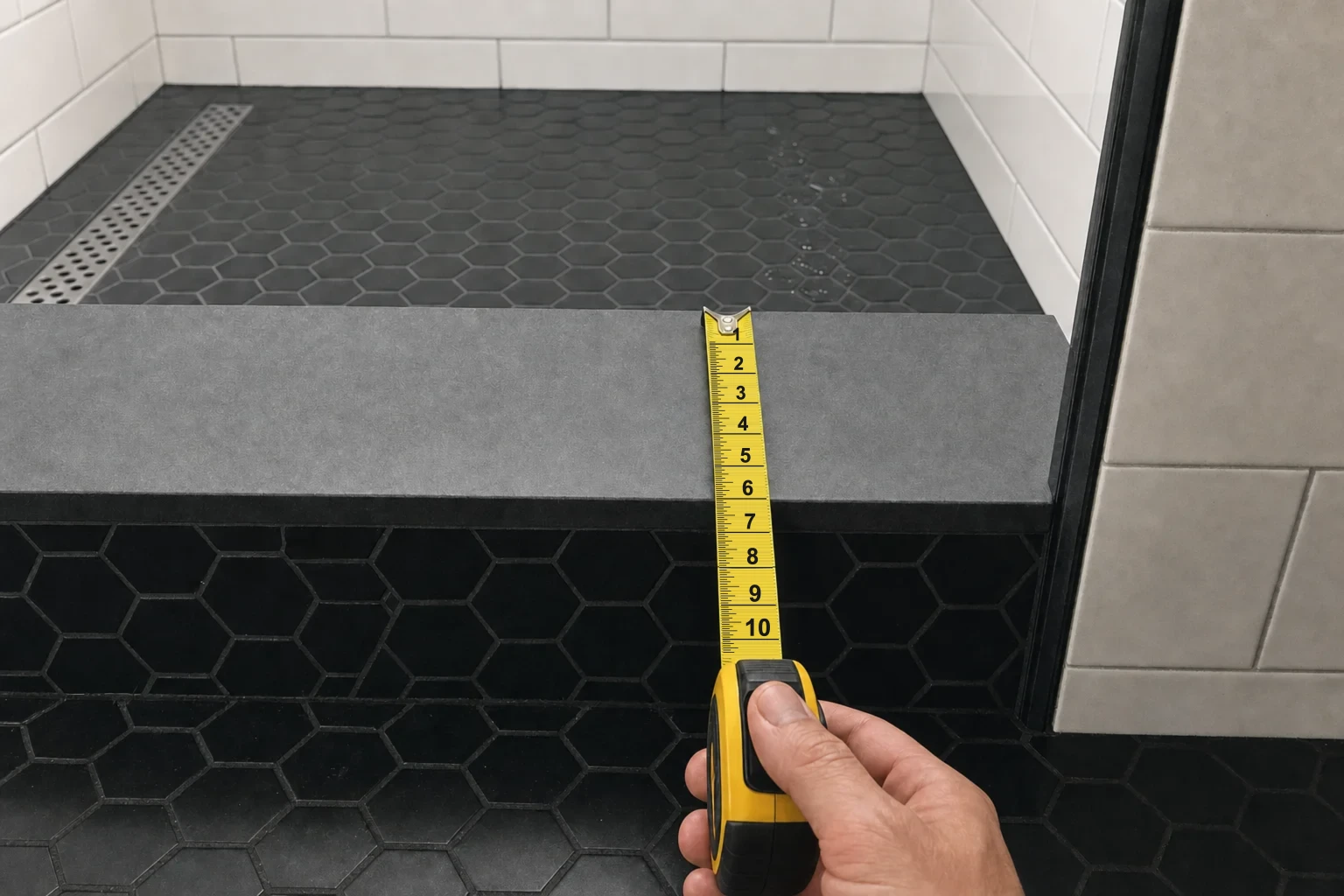
Type the finished measurements in the two size boxes. You can write a decimal or a fraction: 4.5 and 4 1/2 mean the same thing.
Enter the exact size you need. Do not round up to the next standard size yourself. The builder finds a suitable catalog piece, adds any cutting fee to the price, and shows the final size it will make.
If a number is not supported, the page tells you and suggests a value that works. Each size box also shows its minimum. A size that is larger than every piece in that stone cannot be made, because cutting only makes a piece smaller.
Not sure about a measurement? Use the Ask Plato Assistant button under the size boxes. Your selections stay in place while you ask.
Step 5: Review the Price and Add to Cart
Once the stone, finish, edge and size are valid, the total appears next to the Add to cart button. The price already includes cutting and finishing. Change the quantity if you need more than one piece in the same size.
Before you add it, read the summary line by line: stone, finish, edge, final size, quantity and price. This is the piece we will cut.
Two tools help if you are still planning:
- Order Sample. When a sample is available for your stone, an Order Sample button appears so you can compare it with your tile first.
- Project Wishlist. Save the exact size and options to a list and come back to it later.
Changing the Size After It Is in Your Cart
You do not have to start over if a measurement changes. In the cart, click Change size under the item, type the new size and click Update. The new price shows as you type, before you confirm. Items saved in your Project Wishlist can be changed the same way.
What to Know Before You Order
- Custom pieces cannot be returned. A cut to size piece is made for your project. Standard size items can be returned within 30 days if they are unused, uncut and in their original packaging. Measure twice.
- Allow preparation time. Most in-stock items are prepared for shipment within 1 to 3 business days. Custom orders may need extra preparation time, and carrier transit comes on top.
- Shipping. We ship to all US states except Alaska and Hawaii, and you can also pick up at our Saddle Brook, NJ location. The shipping policy has the details.
- The stone arrives finished. Your piece comes in the size you entered, with the finish and edge you selected. No cutting or polishing is needed on site for that size.
Frequently Asked Questions
Can I order a size that is not listed?
Yes. Enter the finished size you need in the builder or in the Customize tab of a product page. If it fits inside an available piece for your stone, finish and edge, you will see a price.
Can a piece be made longer or wider than the largest listed size?
No. Custom sizing reduces a catalog piece. It cannot add width or length. If you need something larger than the builder accepts, contact our team and tell us the size.
Do I enter decimals or fractions?
Either one. 16.5 and 16 1/2 are read as the same size. Always use inches.
When do I see the price?
As soon as you have chosen the stone, finish and edge and entered a supported size. The total updates every time you change an option, the size or the quantity.
Can I return a custom size piece?
No. Custom size items are made for your project and cannot be returned. The FAQ page covers returns for standard sizes.
Ready to Order
Ordering a custom size stone piece takes a few minutes once you have your measurements: open the builder, choose stone, finish and edge, enter the size and check the price. Start with Build Your Threshold or the builder for your product, and call (201) 357-0444 or email sales@platosurfaces.com if you want a second opinion on a measurement.